How to Build an Effective Flashcard Deck

By Knovli · September 22, 2026
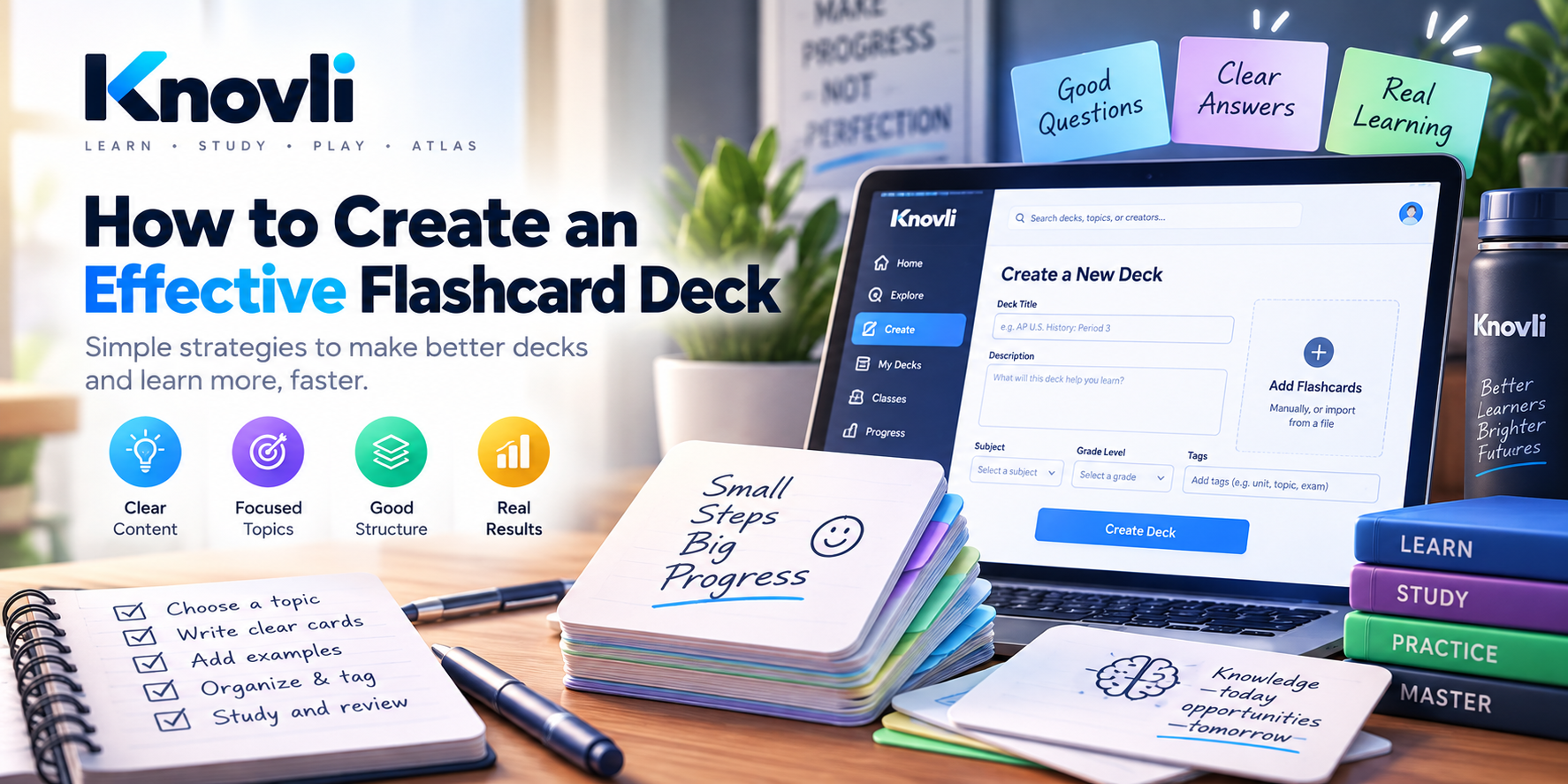
Learn how to build flashcard decks that actually stick. Practical rules for writing cards, organizing topics, and studying smarter.
Why Most Flashcard Decks Fail
The typical student mistake is treating flashcards like a to-do list: copy every term from the textbook, call it done, and wonder why nothing sticks. Volume is not the problem — design is. A deck of 20 well-written cards will beat a deck of 200 sloppy ones every time. Knovli is built around that idea: the tools push you toward better cards, not more cards.
Rule 1: One Idea Per Card
Each card should test exactly one thing. If you find yourself writing a long answer with three sub-points, split it into three cards. Your brain needs a clean question-to-answer link — compound answers break that link.
- Bad: "What are the three branches of government and what does each do?"
- Better: "What is the primary function of the legislative branch?" (one card per branch)
In Knovli, each card has a single front and a single back field. That constraint is intentional. If you are cramming multiple ideas into the back field, treat that as a signal to hit Add Card and split the card before you save the deck.
Rule 2: Write Cards in Your Own Words
Copy-pasting a textbook definition produces cards you can recognize but not recall. Paraphrase the answer as if you were explaining it to a friend. If you cannot put it in your own words yet, you are not ready to make the card — go back and read first.
When you create or edit a card in Knovli, read your answer aloud before saving it. If it sounds like a textbook, rewrite it. That ten-second check pays off every study session afterward.
Rule 3: Make the Question Specific
Vague questions produce vague practice. "Tell me about photosynthesis" gives your brain nowhere to start. "What molecule is produced on the light-dependent side of photosynthesis?" forces real retrieval.
A good test: if ten different answers could reasonably fit the question, rewrite it. You can edit any card directly inside Knovli — open the deck, tap the card, and update the front field before the vague version has a chance to do damage.
Rule 4: Keep Answers Short
Aim for one sentence or a tight list of three items or fewer. Long answers encourage re-reading instead of recalling, which feels like studying but does not build memory.
Knovli's flashcard view shows the front on its own until you flip — that flip moment is where learning happens. A short, crisp answer on the back makes it easy to judge instantly whether you got it right. A paragraph on the back blurs that judgment.
Rule 5: Add a Context Clue for Abstract Concepts
For vocabulary or ideas that are easy to confuse, add a brief example or a memory note to the back of the card after the main answer. For the word alliteration, add a sample phrase below the definition. The example becomes a mental hook that fires every time you see the term.
In Knovli you can use the back field for both the answer and an example line — just separate them visually with a dash or the word "Example:" so you always know which part to recall first and which part is just the hook.
How to Organize Your Deck in Knovli
Smaller, focused decks are easier to study than one giant deck. A practical structure for Knovli:
- One deck per unit or chapter — not one deck per course. Create a new deck in Knovli for each unit so you can launch a targeted session without scrolling past material you already know.
- Group related cards by label in the question — terms, dates, and cause-effect cards can share a deck. Start the front of each card with a short tag like [Date] or [Cause] so you know what type of answer is expected before you flip.
- Separate mastered material — once you are consistently correct on a deck of cards, move them into an archive deck in Knovli. Repeatedly seeing easy cards wastes the time you need for hard ones.
How Many Cards Should a Deck Have?
For a single exam, 20–50 cards is a useful target. Below 15 and a session feels too short to build real fluency. Above 80 and you will start skimming instead of thinking. If a topic needs more than 80 cards, split it into two decks by sub-topic — Knovli makes it easy to duplicate a deck and trim each copy down.
Study the Deck the Right Way Inside Knovli
Building a great deck only matters if you study it actively. Knovli's study modes are designed around two habits that research consistently backs:
- Active recall before you flip. In Knovli's Flashcard mode, commit to an answer in your head before tapping to reveal the back. Guessing — even wrong — strengthens the memory trace more than reading does.
- Spaced sessions, not cramming. Study a new deck the day you build it, then return two days later, then again four days later. Knovli lets you jump back into any deck in seconds, so there is no friction stopping you from keeping that schedule.
You can explore ready-made decks at Explore or start a session immediately at Study. If a deck on Knovli covers part of your topic, use it as a starting point and add your own cards on top — mixing curated content with your own paraphrased cards is one of the fastest ways to build a strong study deck.
A Quick Note for Teachers
The same rules apply when building decks for a class. Keep each card to one testable idea, write questions the way you would phrase them on a quiz, and break large units into multiple smaller decks so students can target exactly what they need to review. Sharing a well-structured deck takes minutes on Knovli — visit the Teachers page to see how it works.
Browse Knovli flashcard decks — free, no account needed to look.